How to start ?
HOW TO START WITH US ?
[button text=”Give me Ibiza” color=”white” visibility=”hidden”] [/col] [/row] [/section] [row label=”Box” style=”collapse” padding=”40px 40px 30px 40px”] [col span=”5″ span__sm=”12″ span__md=”6″ margin=”-170px 0px 50px 0px” align=”center” bg_color=”rgb(255,255,255)” depth=”2″]Make money with Kintech
Just a few simple steps
DO NOT copy-trade my account if you DON’T accep my risk
Register Roboforex Members Area Account with this link (please copy) https://my.roboforex.com/en/?a=anyp . If you already have Roboforex Members Area Account, skip to Step 2.
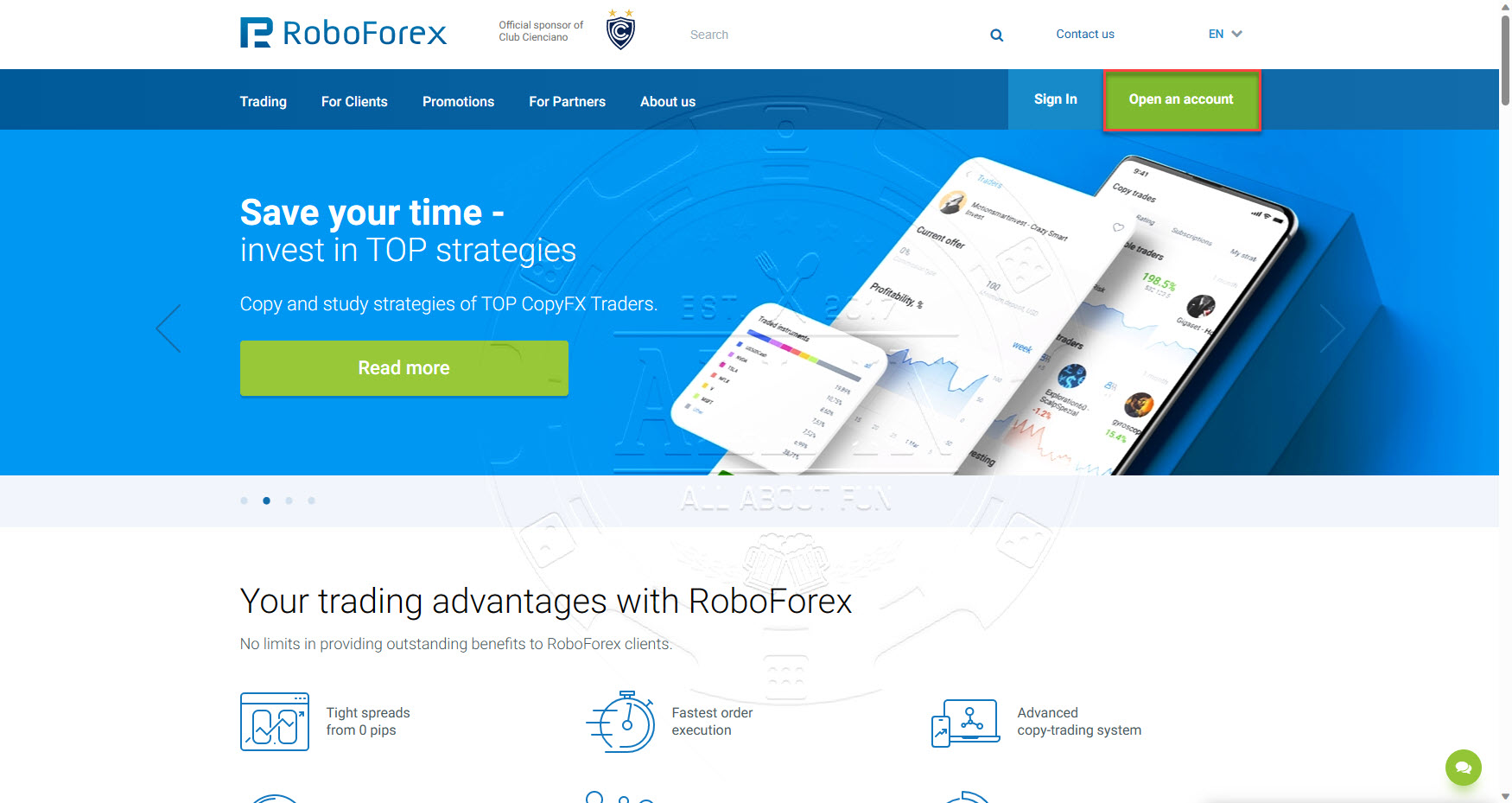
Click Open an account button
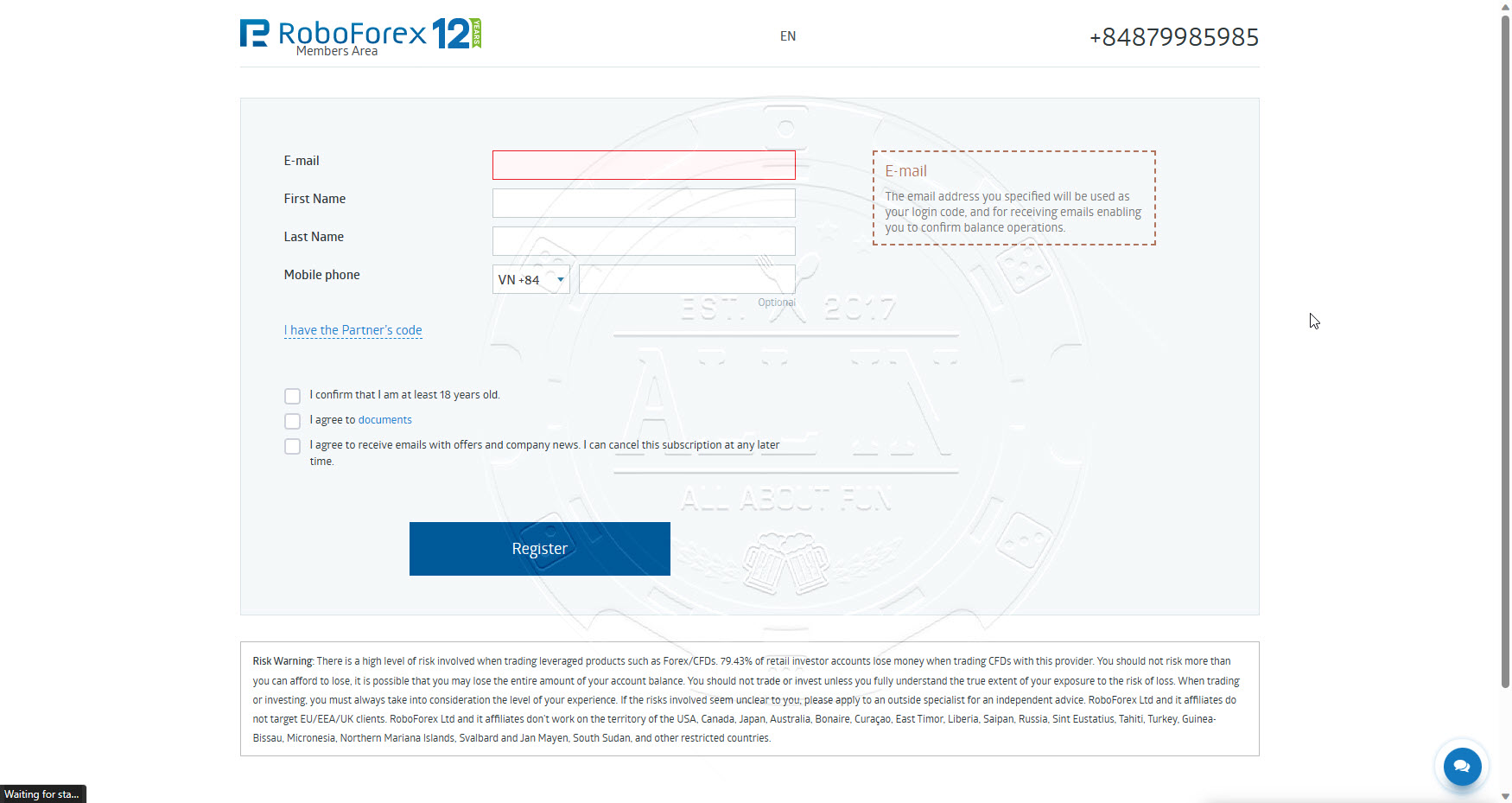
Fill in information as per below and the click Register button
Once registration success, you will access to Member Area. Continue Step 2
[/accordion-item] [accordion-item title=”Step 2 : Open a Trading Account”]
On the same page of Members Area registration success, Go to menu Accounts -> Open Real Account OR open this link (https://my.roboforex.com/en/trading-account/open-trading-account/) to open a trading account.
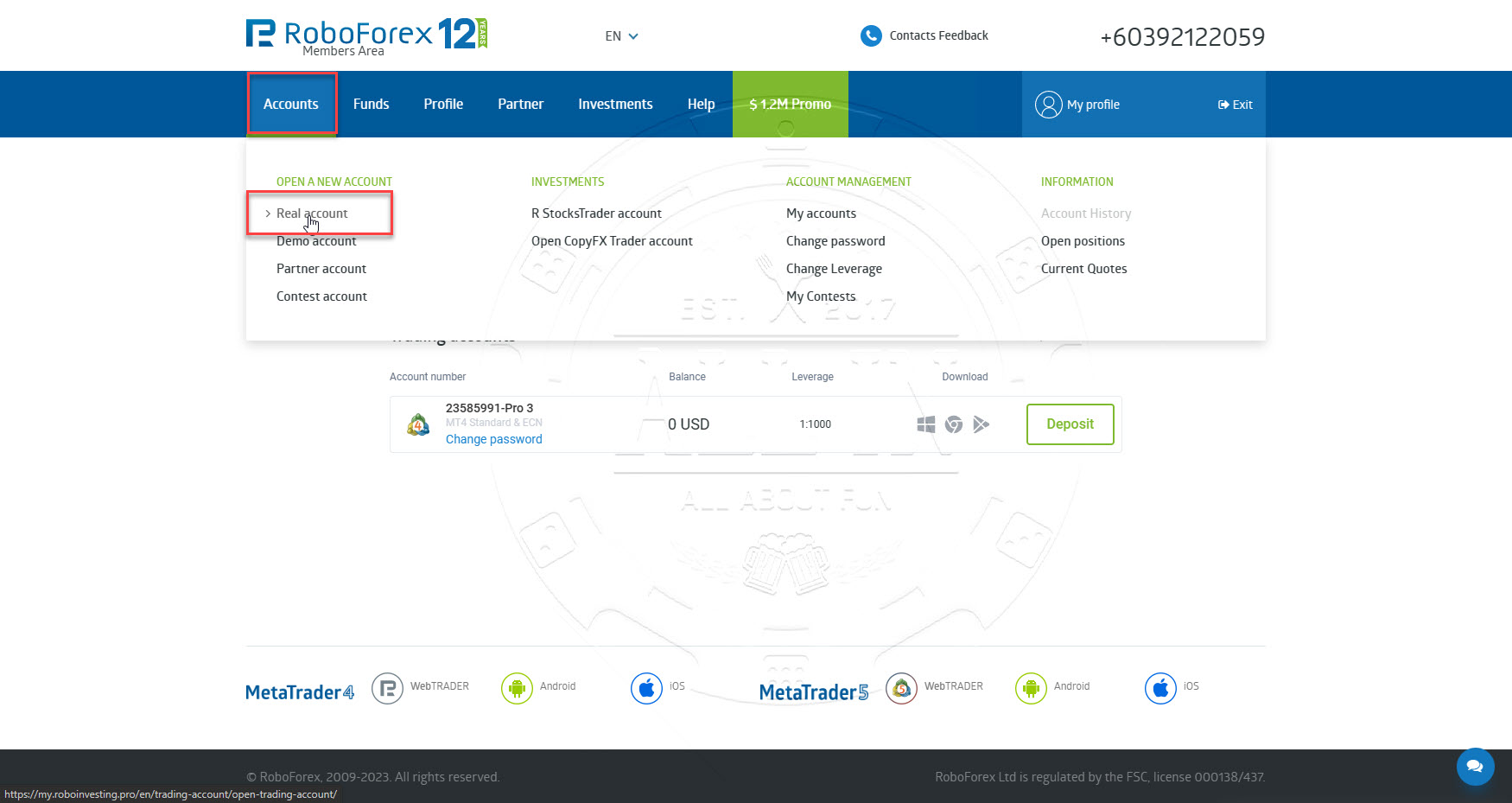
Choose options as per screenshot below and input following value, and then click Confirm button.
Affiliate code : anyp
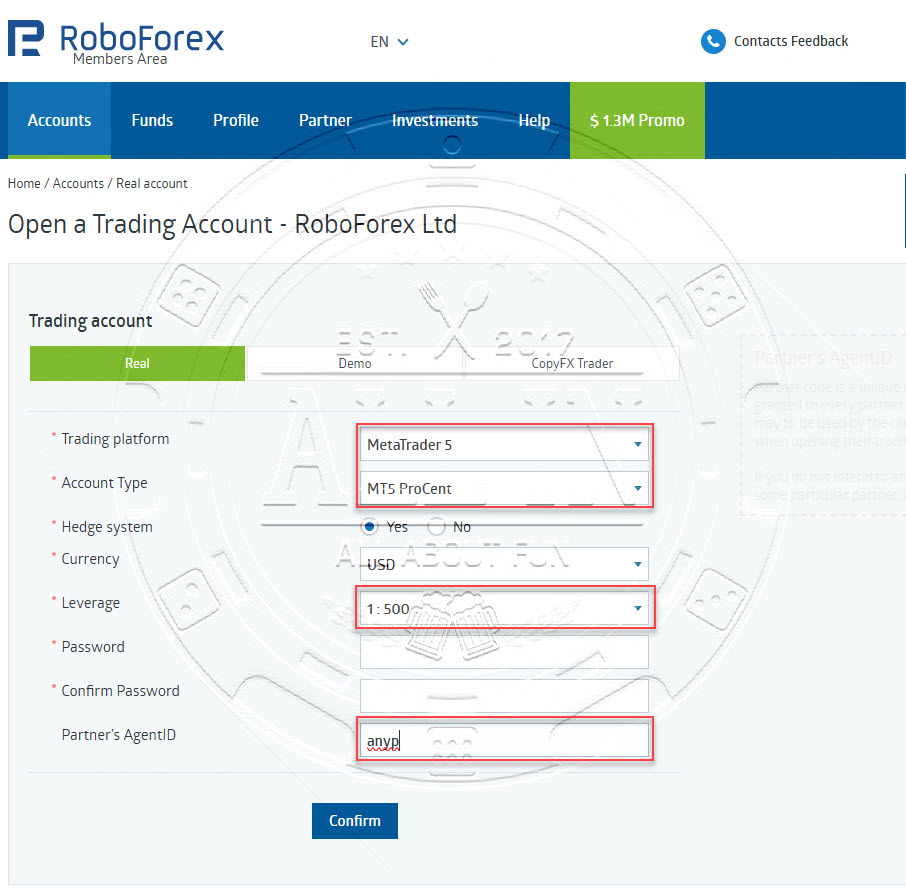
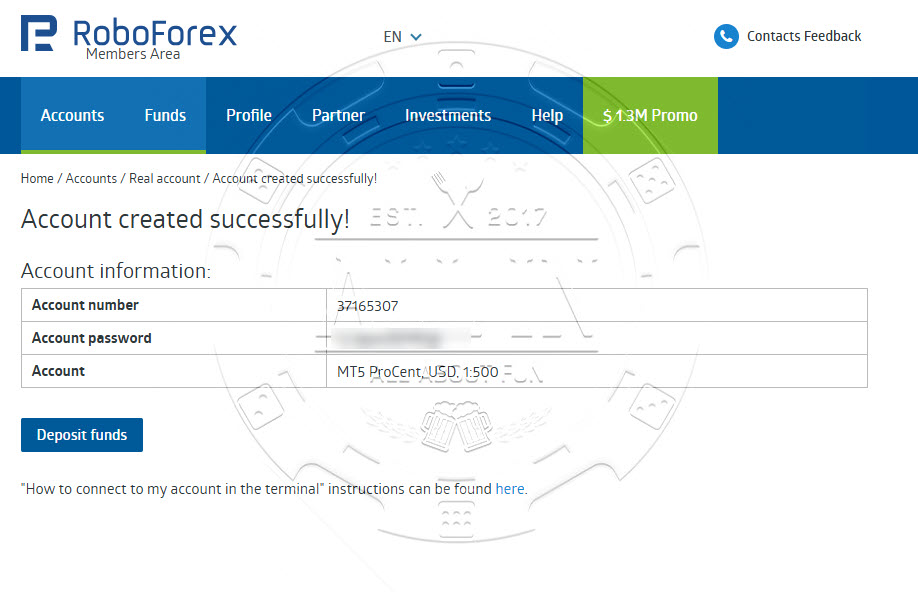
[/accordion-item] [accordion-item title=”Step 3 : Deposit into Trading Account”]
Navigate to Funds > Deposit Funds, choose your preferred deposit method, and then input the desired deposit amount(recommended your deposit equal Master a for copy trading. If master balance is 1000 USD, your balance need equal) and currency.
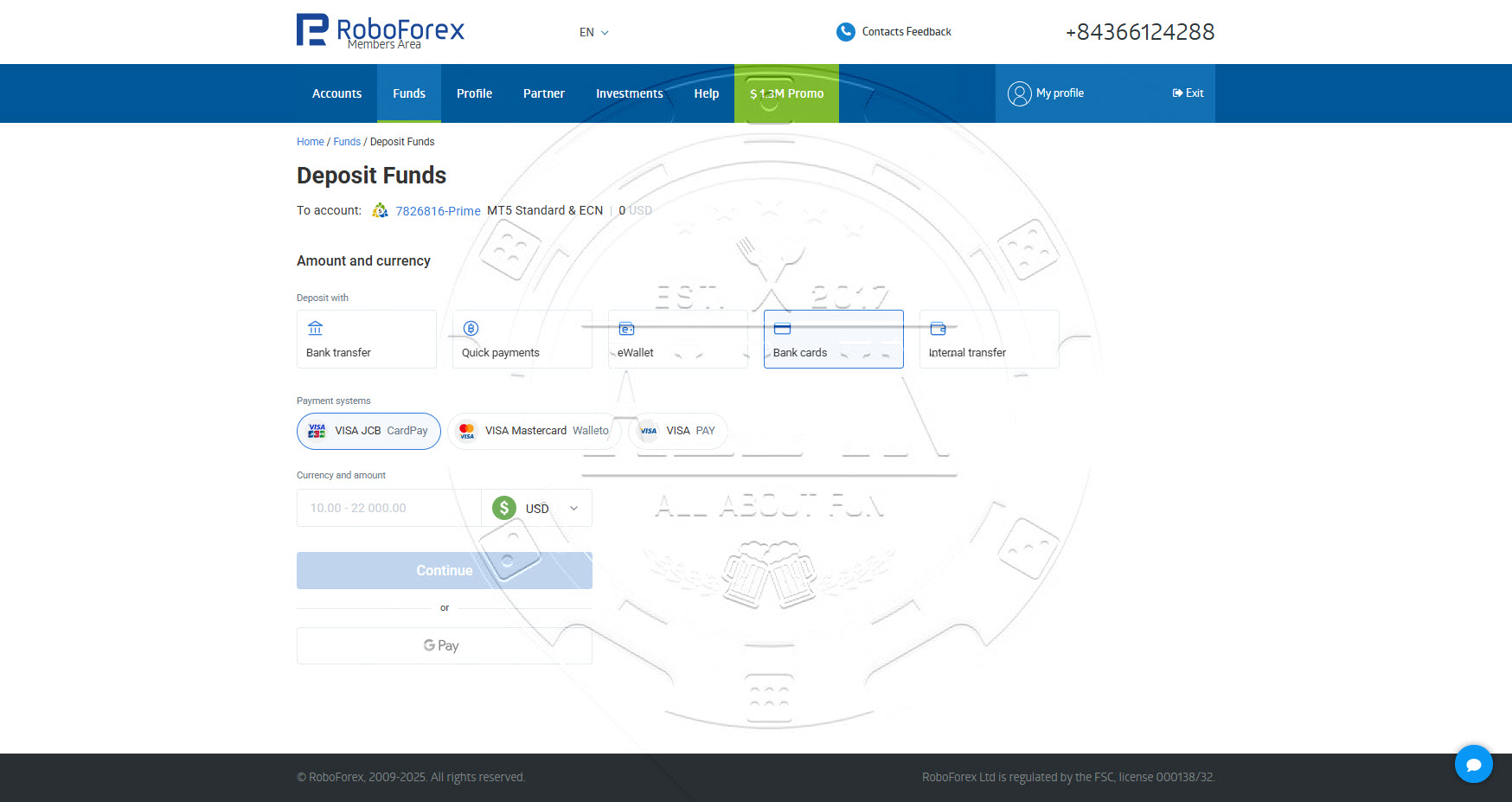
Deposit method depends on your country
Notice: My trade too risk, so if you want to copy, please DO NOT deposit much money. Only deposit below $500, $100-$200 is recommend, DO NOT higher. Cause my trade too risk, so your money will be blown anytime.
[/accordion-item] [accordion-item title=”Step 4 : Subscribe to Kintech”]Click following link:
MT5 (please copy url): https://my.roboforex.com/en/copyfx/traders-mt5/?period=0&sort_by=profit_percent&sort_direction=DESC&match=kintech
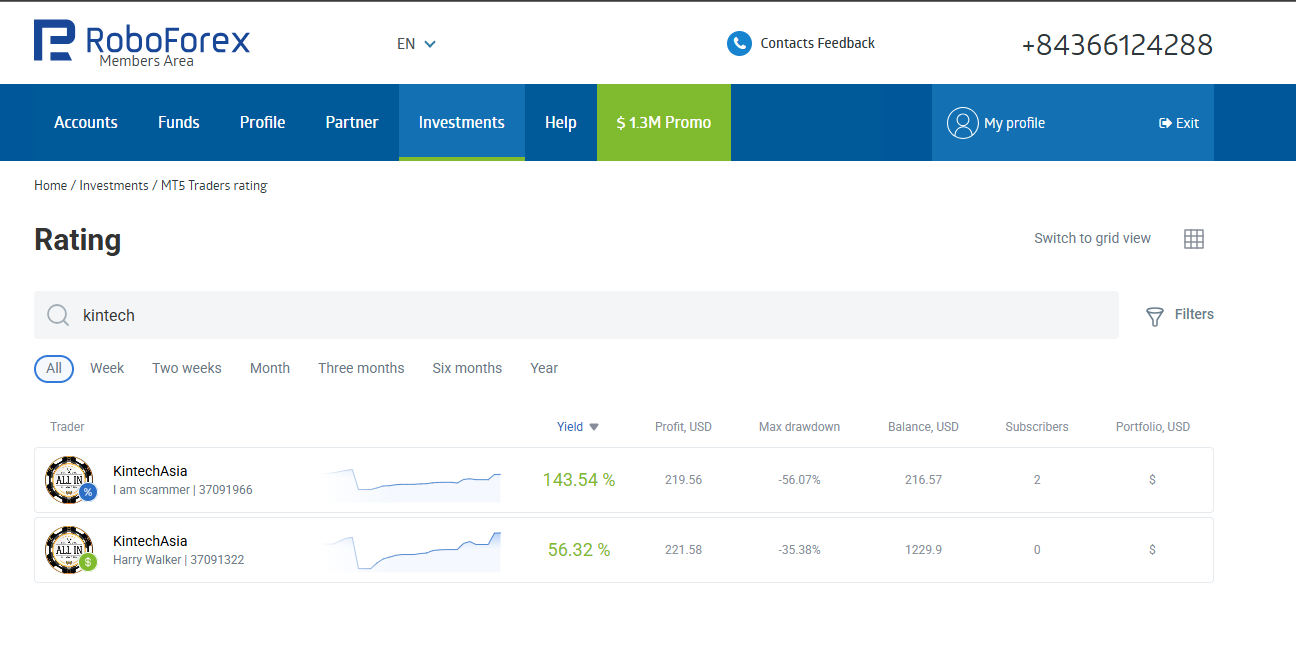
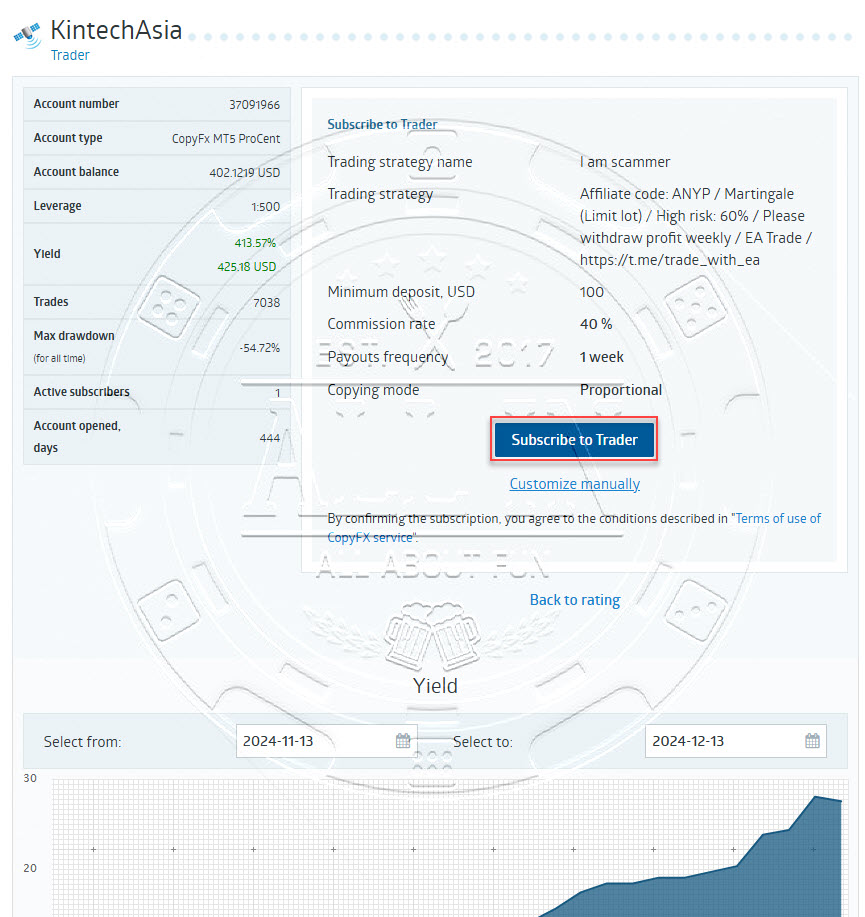
and choose your favorite strategy then click Subscribe to Trader button(OR click Customize manually for different copy mode. Recommended remain using Proportional ratio 1.0, as higher ratio impose higher risk to your trading account) to start Copy Trading!
[/accordion-item] [accordion-item title=”Step 5: Download trading tool to check your account performance”]
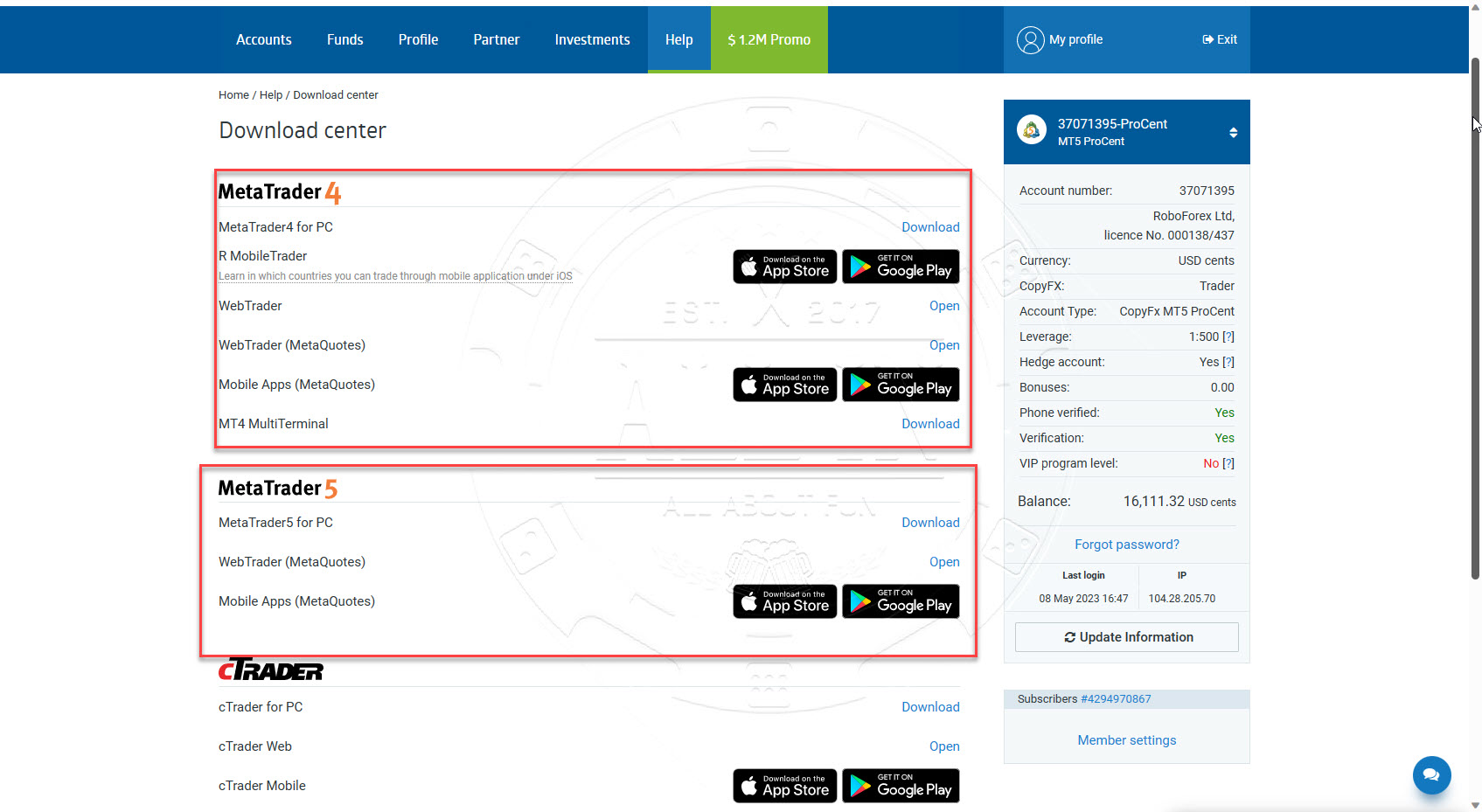
Download Metatrader 4 / Metatrader 5 (MT4 / MT5) software from link below and login to your trading account to monitor trading transactions.
https://my.roboforex.com/en/help/download-center/