Start without deposit
Start without deposit ?
[/col] [/row] [/section] [row style=”collapse” padding=”40px 40px 30px 40px”] [col span=”5″ span__sm=”12″ margin=”-170px 0px 50px 0px” align=”center” bg_color=”rgb(255, 255, 255)” depth=”2″]Make money with Kintech
without deposit and get 30% commission, why not ?
[/col] [/row] [row] [col span__sm=”12″] [accordion auto_open=”true”] [accordion-item title=”Step 1 : Create Roboforex Members Area Account” class=”active”]Register Roboforex Members Area Account with this link (please copy) https://my.roboforex.com/en/?a=anyp . If you already have Roboforex Members Area Account, skip to Step 2.
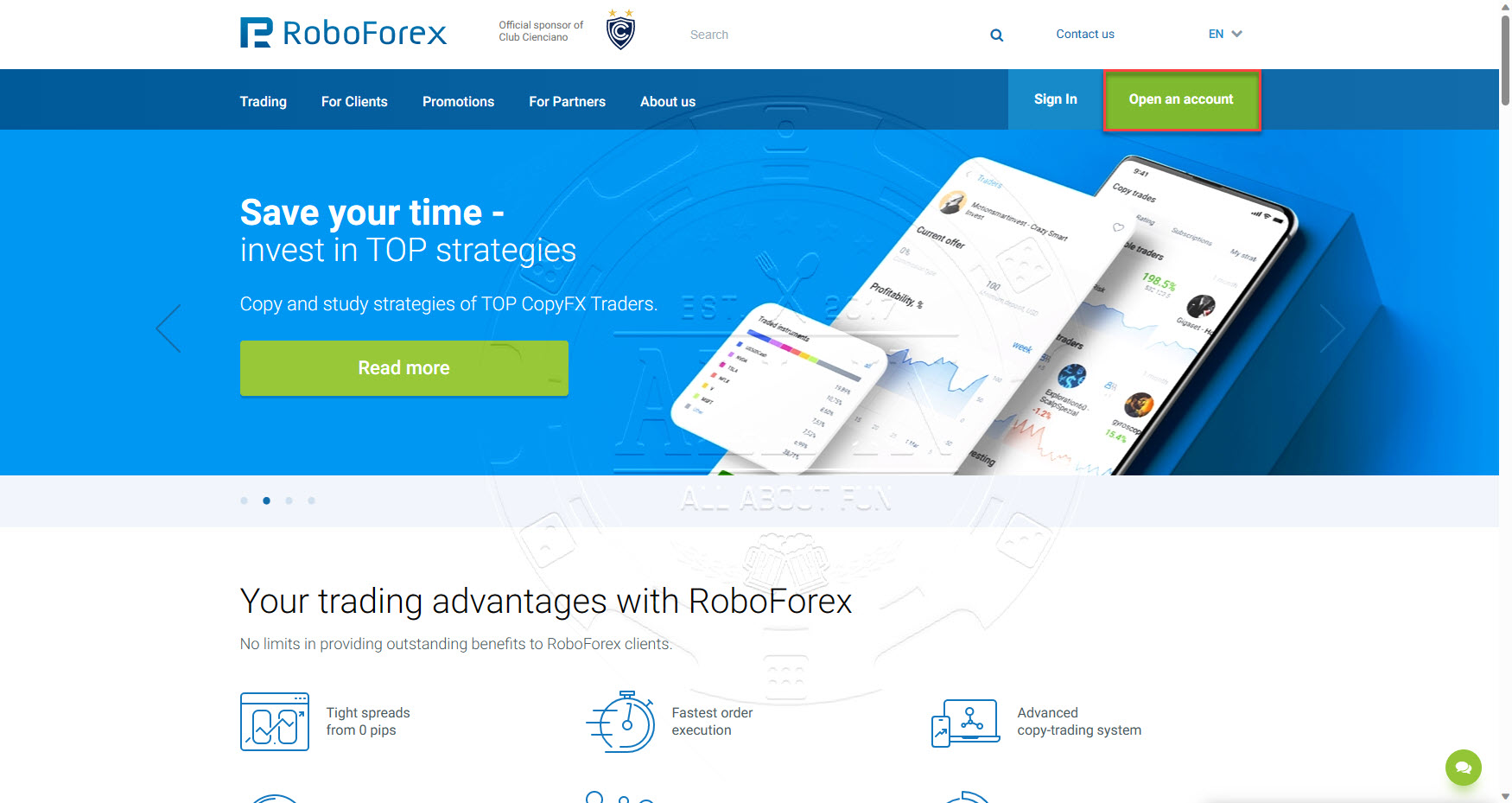
Click Open an account button
Fill in information as per below and the click Register button
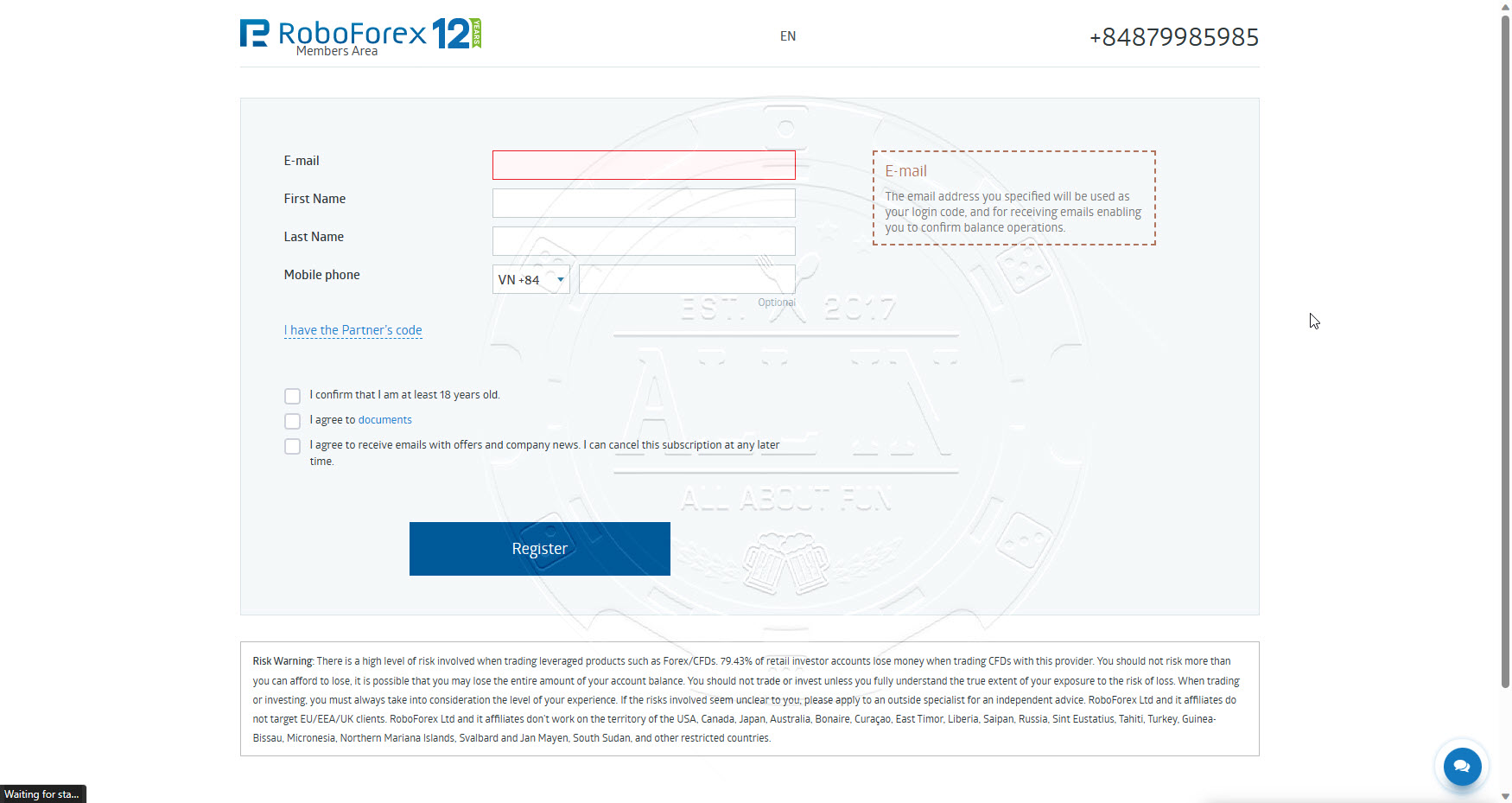
Once registration success, you will access to Member Area. Continue Step 2
[/accordion-item] [accordion-item title=”Step 2 : Open a Trading Account”]
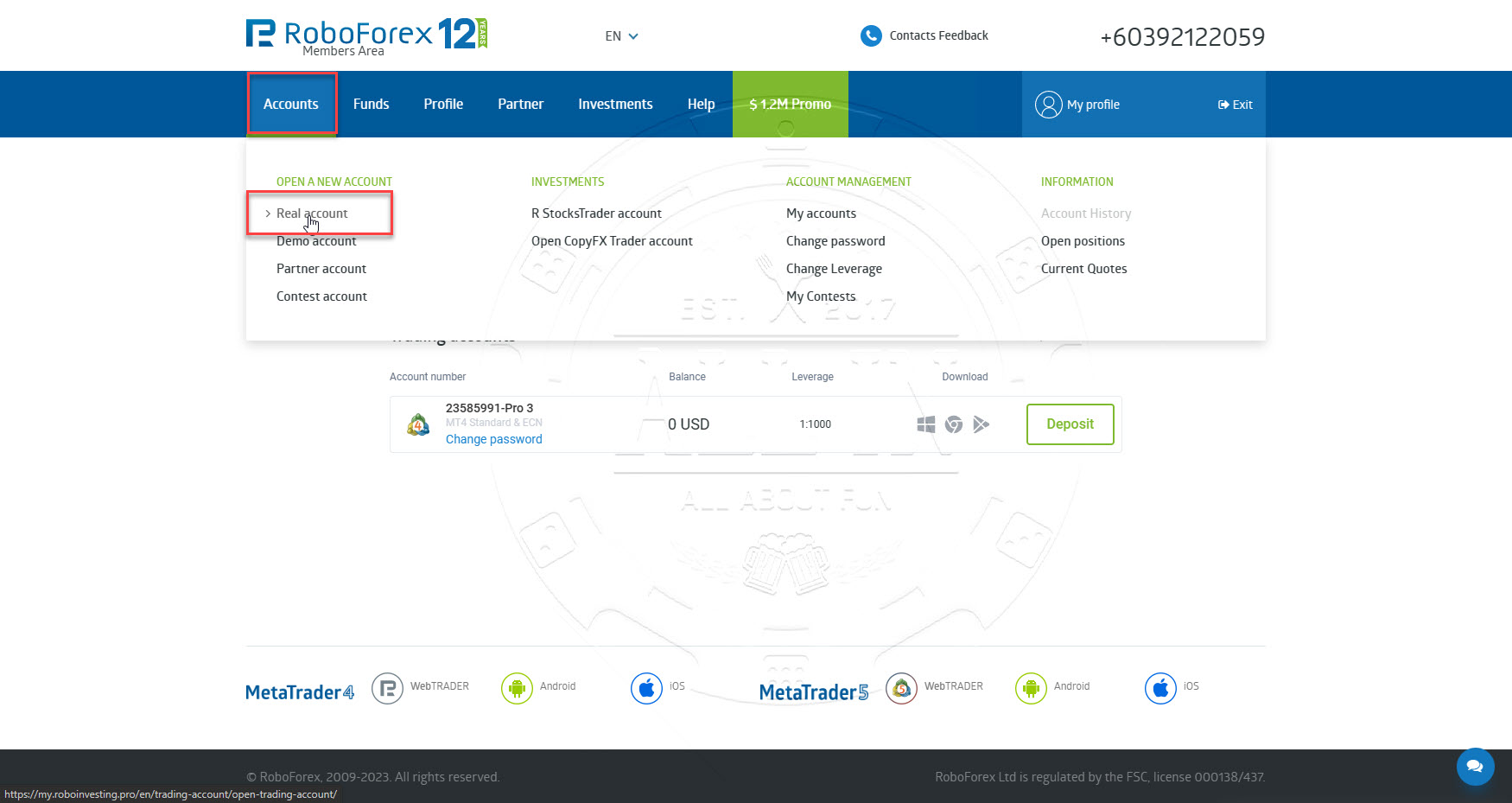
On the same page of Members Area registration success, Go to menu Accounts -> Open Real Account OR open this link (https://my.roboforex.com/en/trading-account/open-trading-account/) to open a trading account.
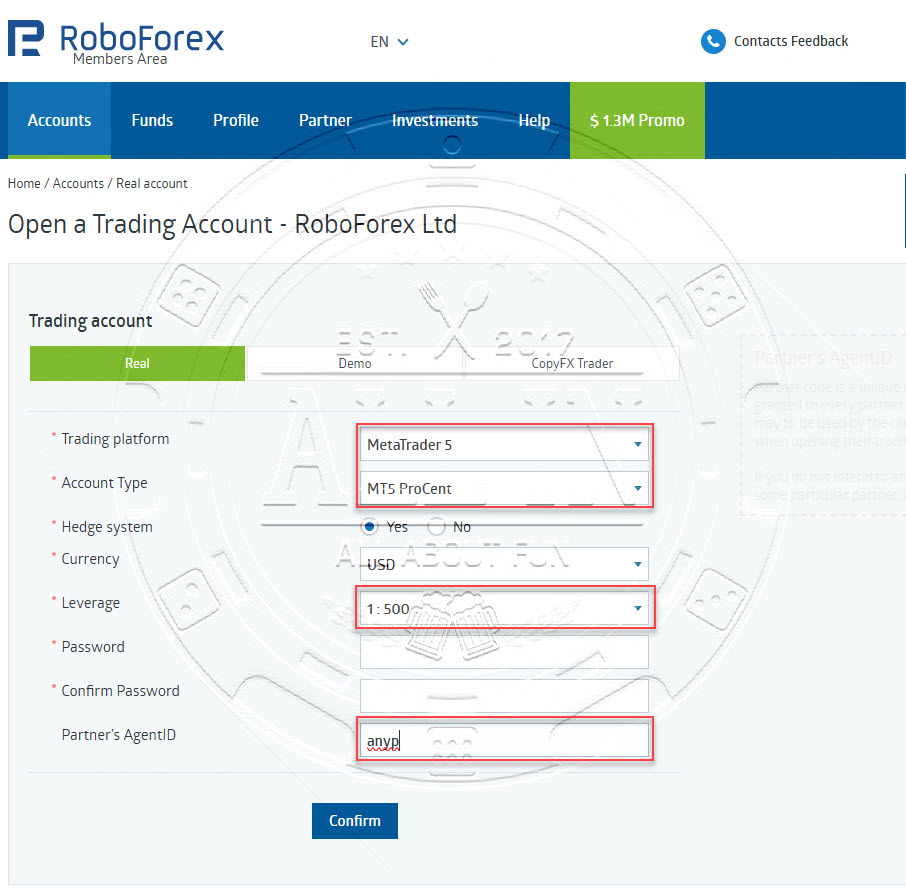
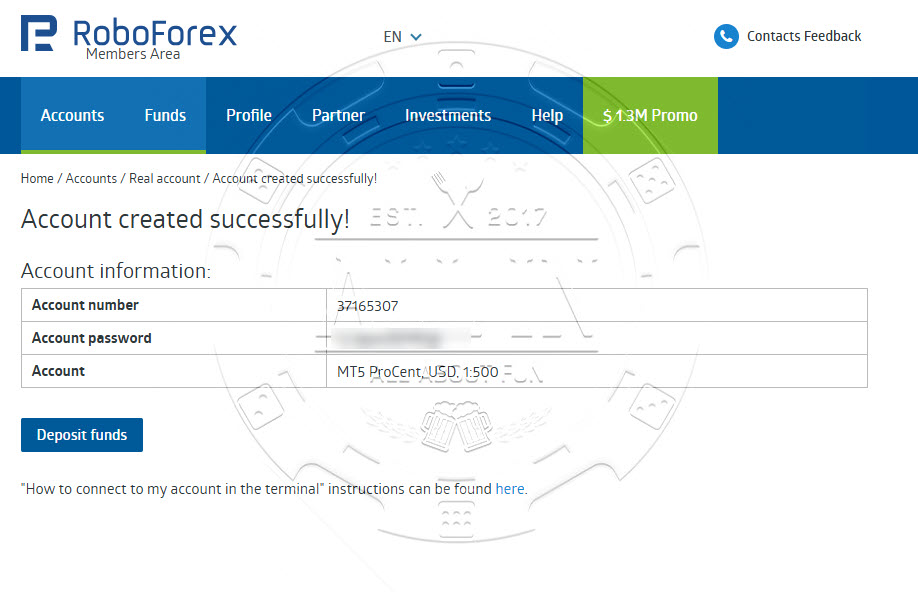
Choose options as per screenshot below and input following value, and then click Confirm button.
Affiliate code : anyp
[/accordion-item] [accordion-item title=”Step 3: Watch video tutorial”] [ux_video url=”https://youtu.be/JBH8WfeM2Ss”]
After get partner link, send it to your friends or your clients.
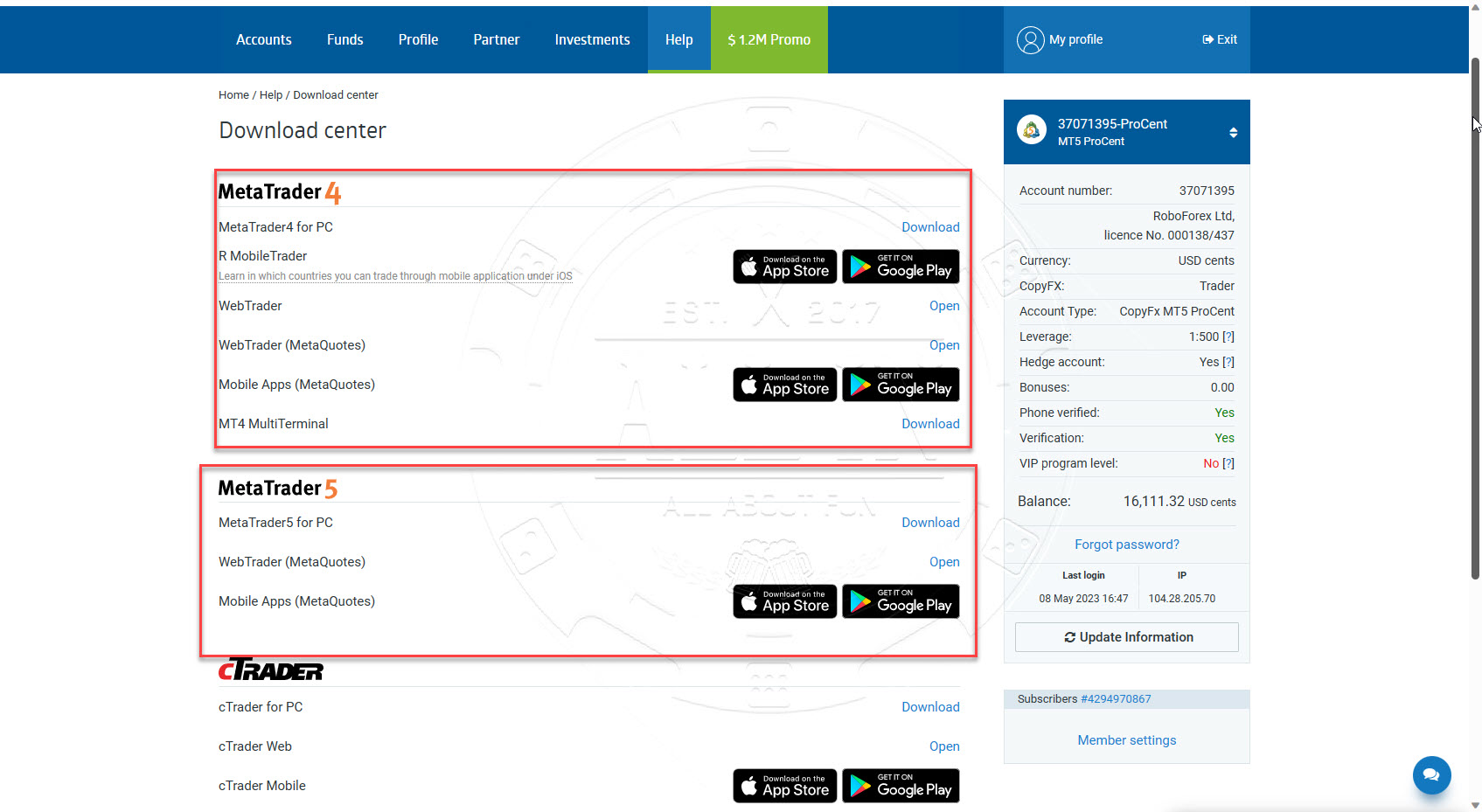
[/accordion-item] [accordion-item title=”Step 4: Download trading tool to check your commission”]Download Metatrader 5 (MT5) software from link below and login to your trading account to check your commission weekly.
https://my.roboforex.com/en/help/download-center/